

Describe the color problem
Name a warm indoor cast, cool shadows or dull greens so the instruction has a clear target.
Prompt Guide
Model
Reference Image
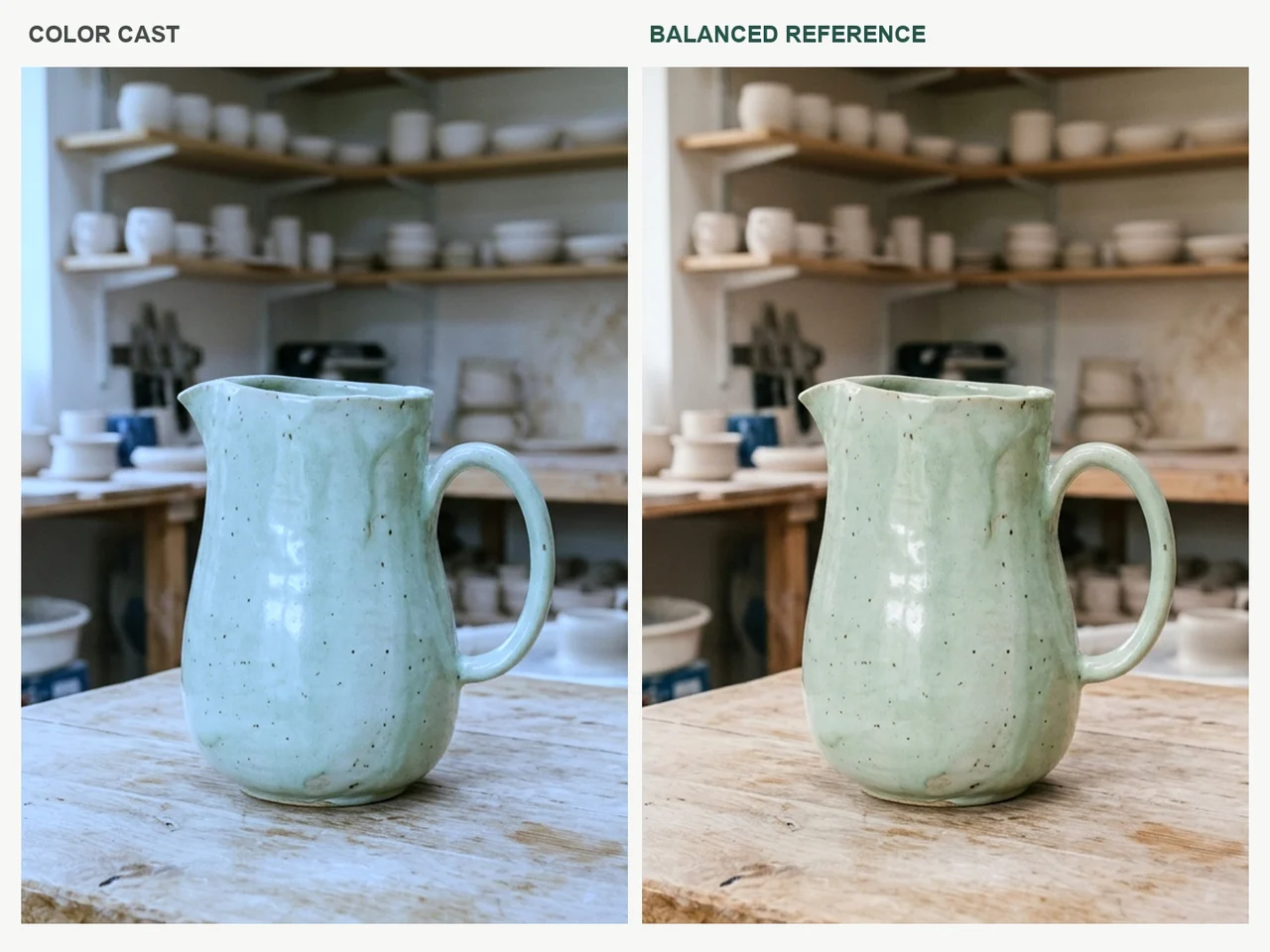
Guide a photo toward natural skin tones, cleaner whites or a more consistent palette. Describe the color problem and the finish you want, then compare with the original to avoid changing the subject or pushing saturation too far.
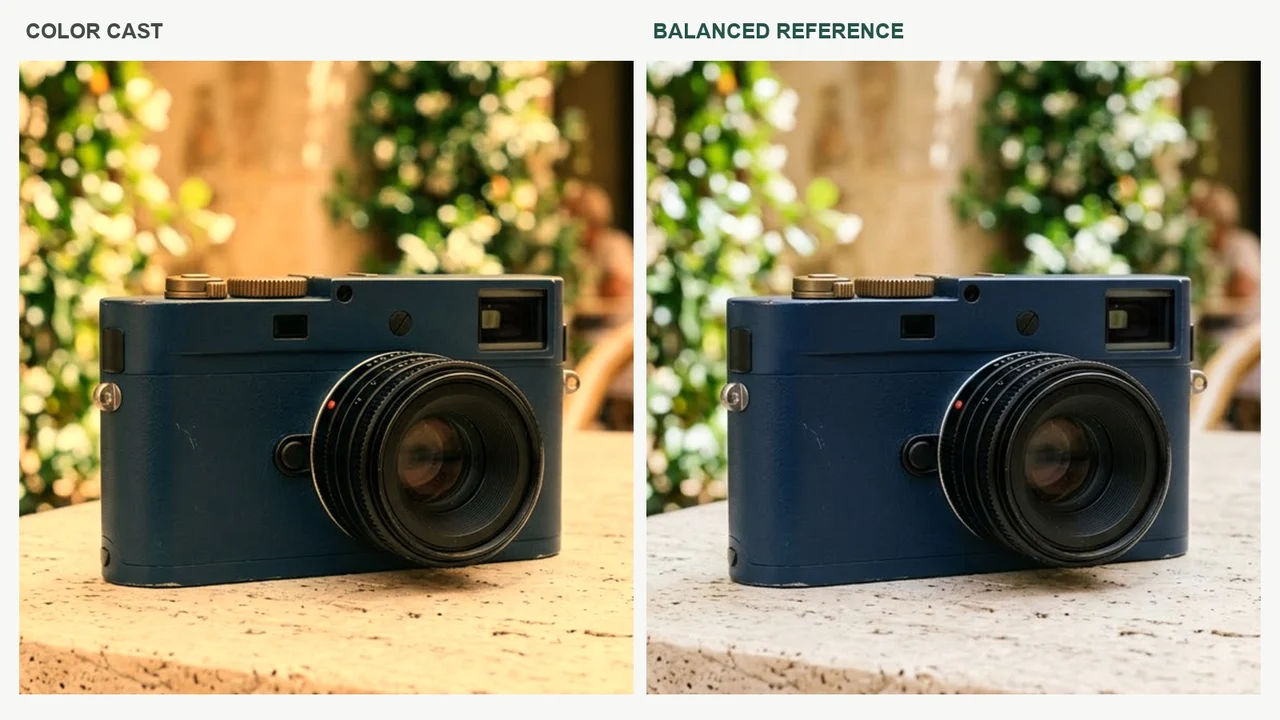
Same-image color illustrations. A simulated color cast is compared with the neutral source, without changing the subject or its composition.
 Products
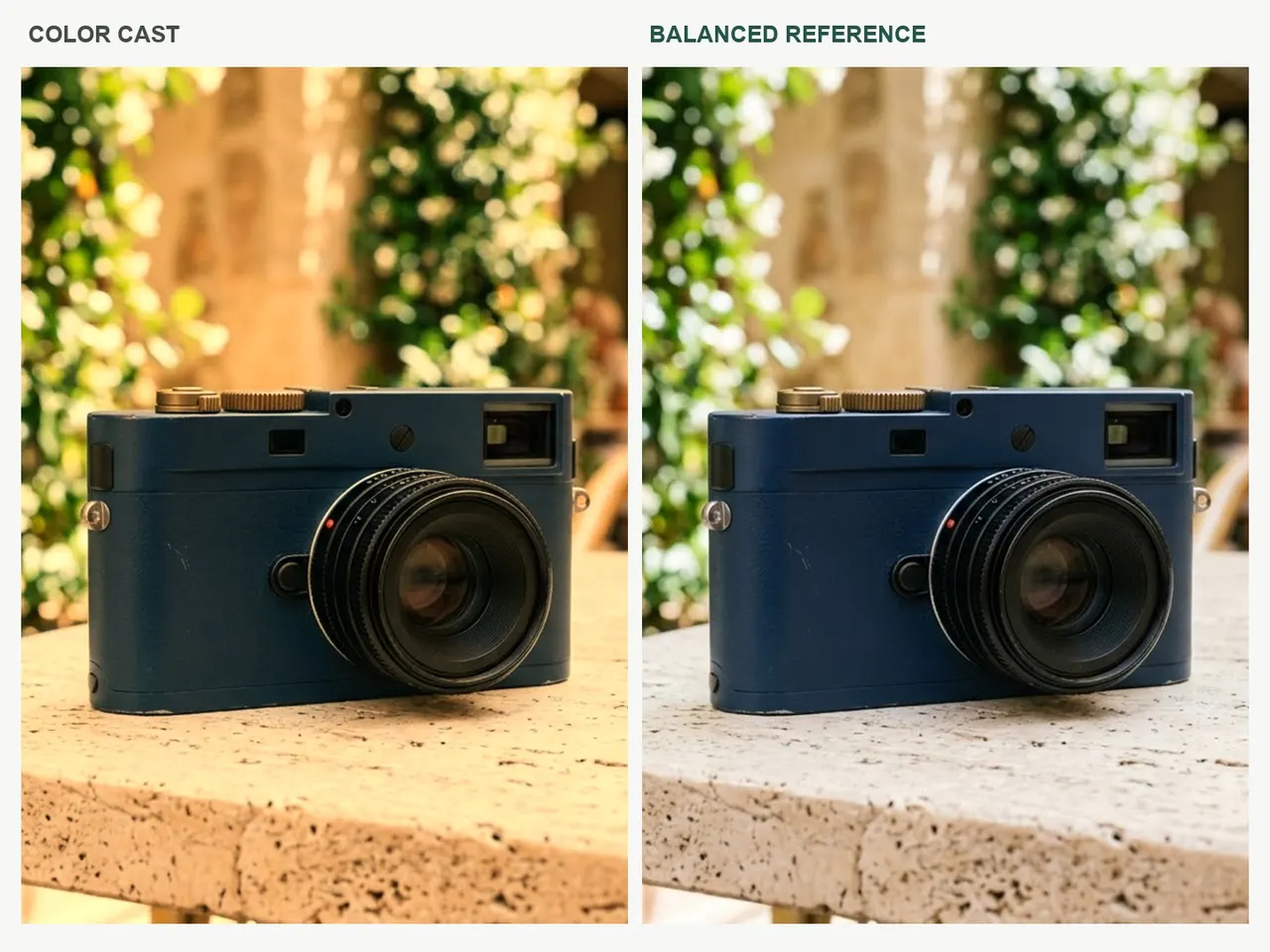
Correct the white balance and unwanted color cast in my reference photo. Preserve identity, composition, material colors and natural skin texture. Aim for balanced natural daylight without oversaturation.
Use a Related Prompt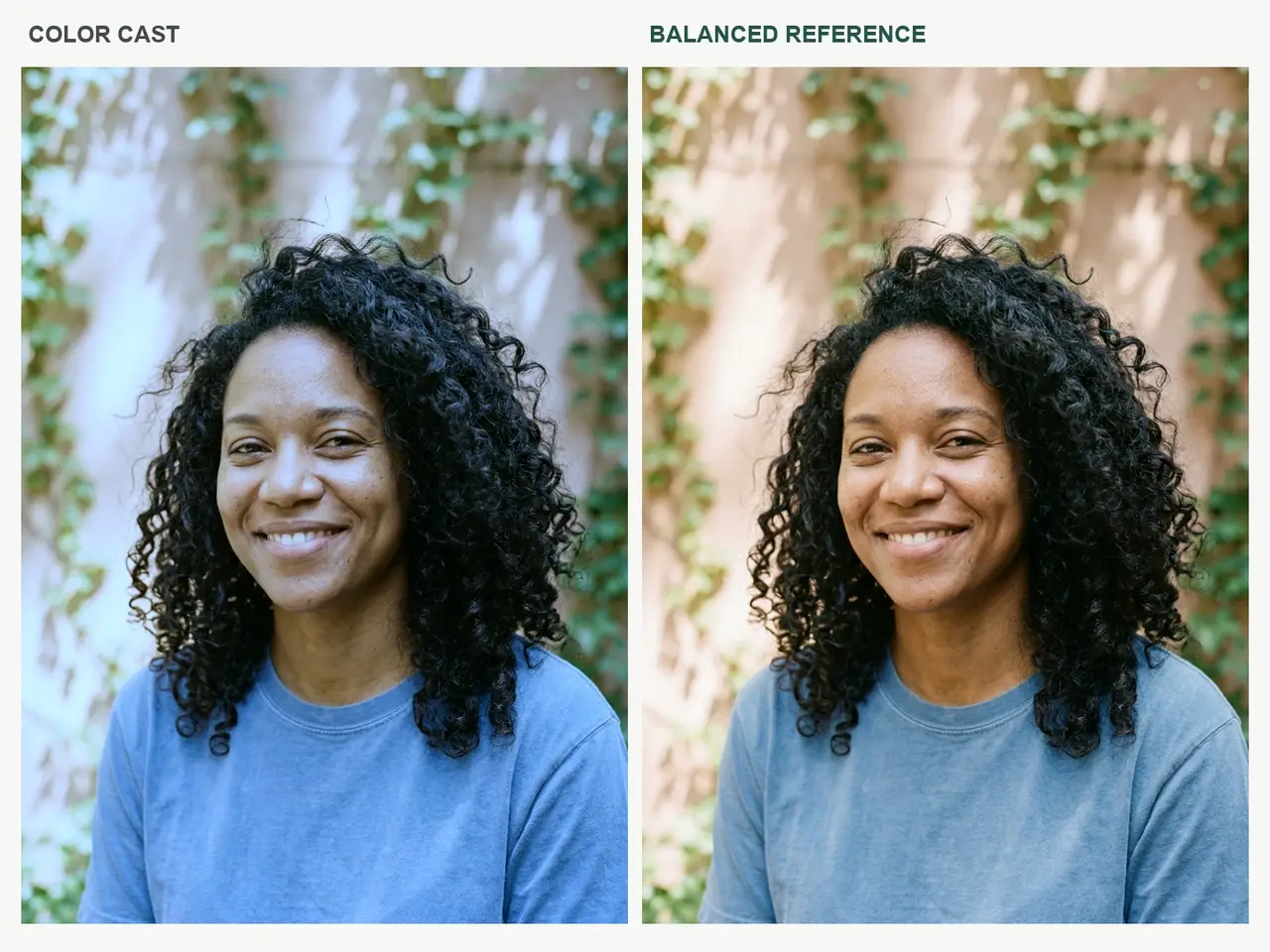 Portraits
Correct the white balance and unwanted color cast in my reference photo. Preserve identity, composition, material colors and natural skin texture. Aim for balanced natural daylight without oversaturation.
Use a Related Prompt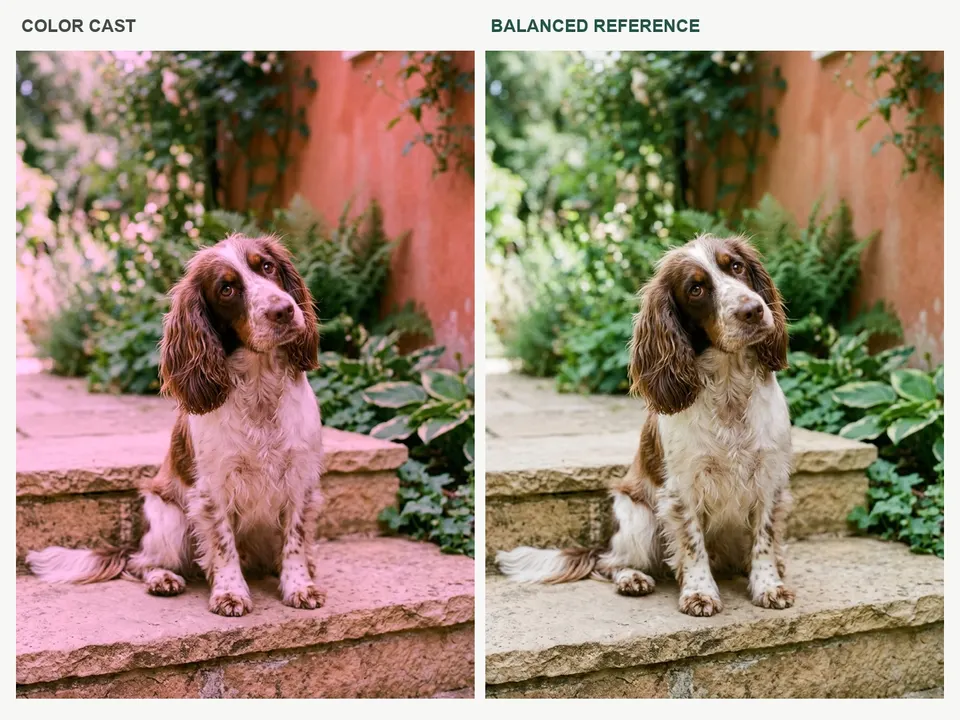 Pets
PetsCorrect the white balance and unwanted color cast in my reference photo. Preserve identity, composition, material colors and natural skin texture. Aim for balanced natural daylight without oversaturation.
Use a Related Prompt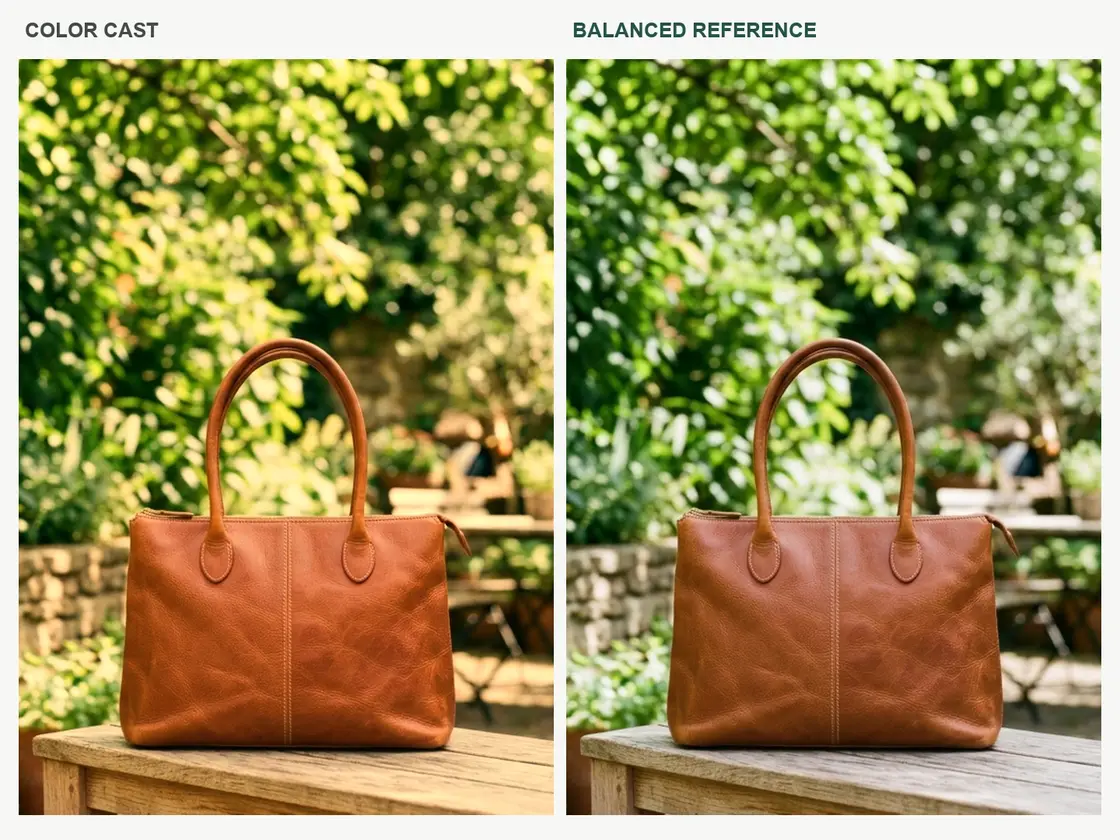 Accessories
Correct the white balance and unwanted color cast in my reference photo. Preserve identity, composition, material colors and natural skin texture. Aim for balanced natural daylight without oversaturation.
Use a Related Prompt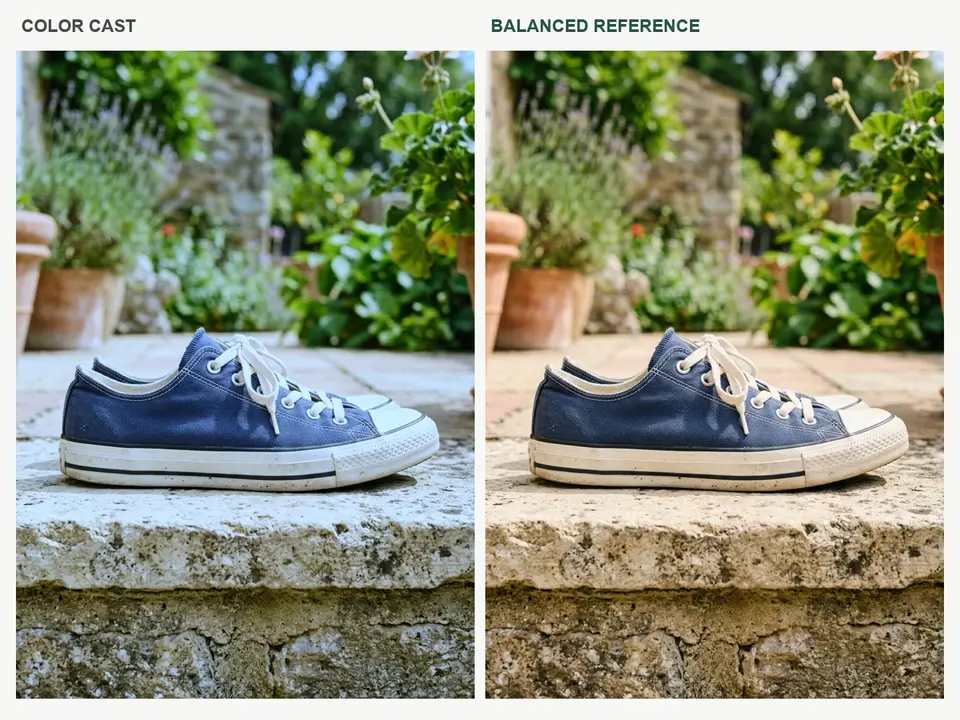 Products
Correct the white balance and unwanted color cast in my reference photo. Preserve identity, composition, material colors and natural skin texture. Aim for balanced natural daylight without oversaturation.
Use a Related Prompt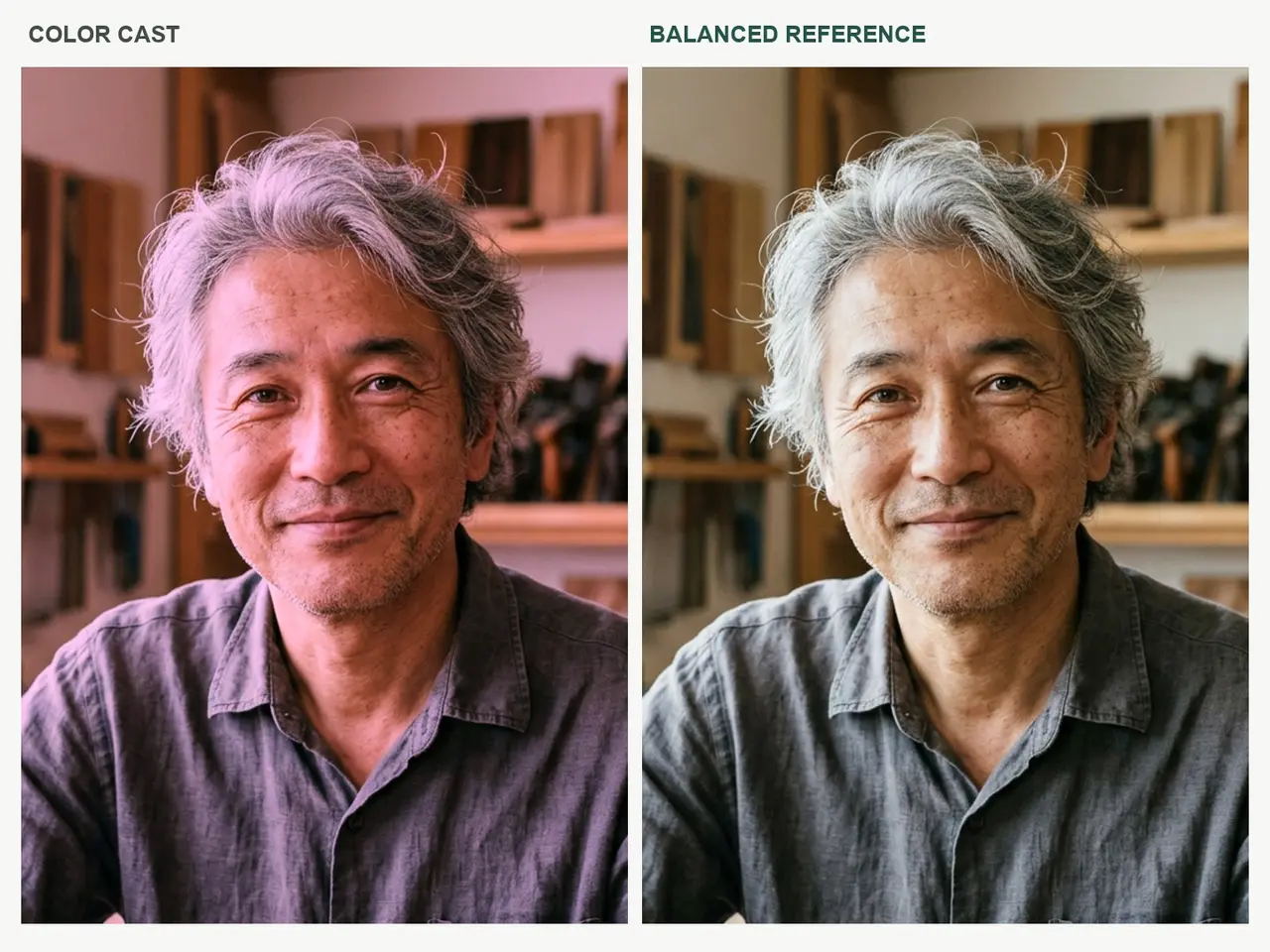 Portraits
Correct the white balance and unwanted color cast in my reference photo. Preserve identity, composition, material colors and natural skin texture. Aim for balanced natural daylight without oversaturation.
Use a Related Prompt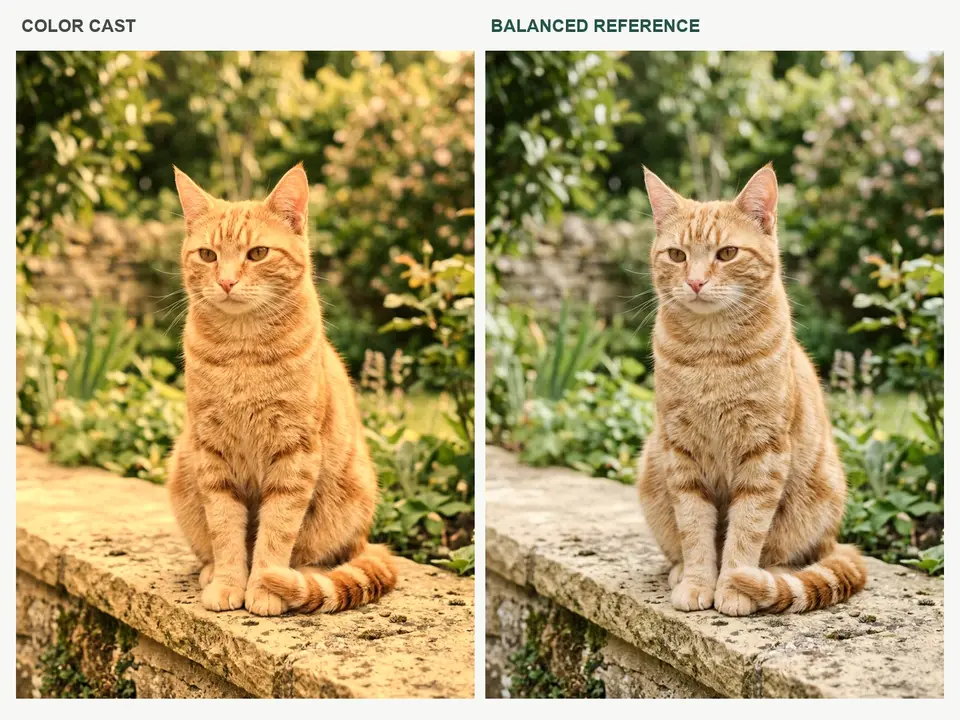 Pets
PetsCorrect the white balance and unwanted color cast in my reference photo. Preserve identity, composition, material colors and natural skin texture. Aim for balanced natural daylight without oversaturation.
Use a Related PromptProductsCorrect the white balance and unwanted color cast in my reference photo. Preserve identity, composition, material colors and natural skin texture. Aim for balanced natural daylight without oversaturation.
Use This Direction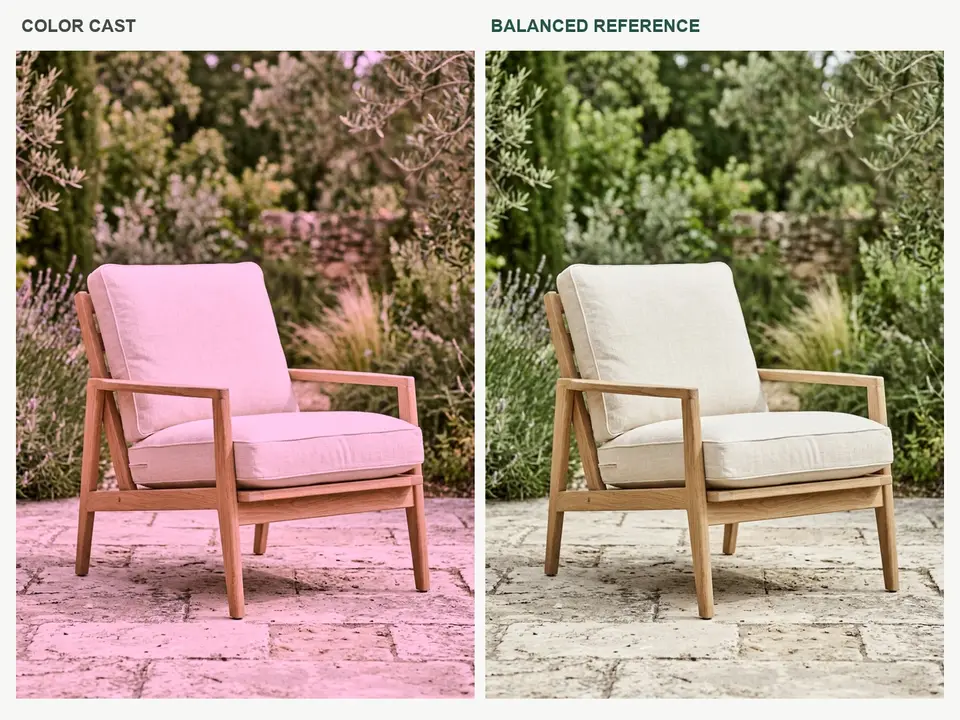 Products
Correct the white balance and unwanted color cast in my reference photo. Preserve identity, composition, material colors and natural skin texture. Aim for balanced natural daylight without oversaturation.
Use This Direction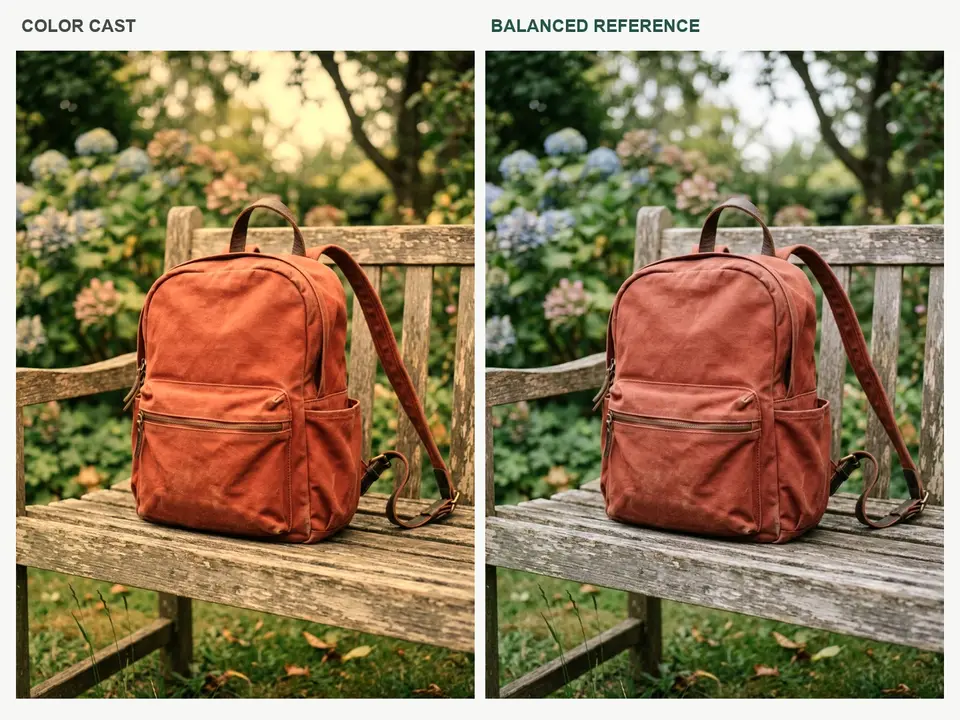 Accessories
Correct the white balance and unwanted color cast in my reference photo. Preserve identity, composition, material colors and natural skin texture. Aim for balanced natural daylight without oversaturation.
Use This DirectionName a warm indoor cast, cool shadows or dull greens so the instruction has a clear target.
Ask for believable skin, product colors and neutral whites, then compare them with the source.
Decide whether you want a restrained natural finish or a deliberate mood before changing the image.
A focused brief makes each result easier to judge.
Use a permitted reference and describe the cast: warm indoor light, cool shadows or oversaturated greens. State which colors should remain true.
Choose an available model and aspect ratio. Keep the brief focused on the requested change, with clear style and lighting instructions.
Review skin, neutral whites and product colors beside the source. For measured accuracy, finish the job in a color-managed editing workflow.
Fictional scenarios for review, not real customer testimonials or ratings.
Illustrative scenario: Natural portrait color. Name a warm indoor cast, cool shadows or dull greens so the instruction has a clear target.
Illustrative scenario: Daylight landscape. Ask for believable skin, product colors and neutral whites, then compare them with the source.
Illustrative scenario: Product color check. Decide whether you want a restrained natural finish or a deliberate mood before changing the image.
Correction aims for a balanced, believable image. Grading adds a deliberate visual mood, such as a warmer palette or muted cinematic colors.
You can request a more neutral white balance, but review skin and object colors afterward. Generative edits may also change details.
RAW processing and numerical color controls have not been verified in this workspace. Use a dedicated photo editor for a color-managed production workflow.
Exact color accuracy is not guaranteed. For catalog or manufacturing use, compare with a calibrated reference and use a verified color workflow.
Ask for restrained saturation, natural skin and neutral whites. Compare the result with the source in consistent viewing conditions.